
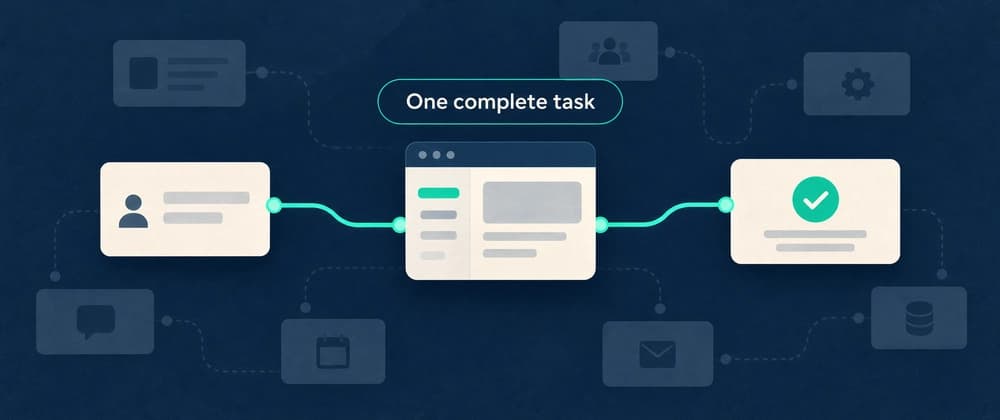
A useful SaaS MVP lets one kind of user finish one important task. Start by writing down the result they need, then build the smallest complete path to that result. Cut extra features before you cut the steps that make the task work.
For example, a CSV cleanup tool might do one job: let a user upload a file, check a specific set of rules, correct problems, and download a usable file. A dashboard with six empty tabs does not complete that job.
Y Combinator's MVP design guide makes a helpful distinction between a product's purpose and the features around it. Use that distinction to decide what belongs in your first release.
A [specific user] can [complete a task] using [a realistic input], and can tell it worked because [an observable result].
A freelance analyst can check a client's CSV against an agreed column format and download a file that passes those checks.
This is narrow enough to test. It also forces you to decide what success looks like before the interface takes over the project.
Write down what the tool will not do yet: merge multiple files, guess missing values, sync with a warehouse, or manage a team. These may become useful later. They are not required by the sentence above.
Walk through the job in order: The user understands which files the tool accepts. They provide a file. The tool checks it and explains any problems. The user fixes or accepts the result. They download an output they can use elsewhere.
Now add the ordinary failure cases. What happens with an empty file, the wrong columns, or an interrupted upload? Can the user recover without starting a support conversation?
You do not need an elaborate solution for every rare case. You do need a clear boundary. Saying that the first version supports one documented file format is better than silently accepting files it cannot process.
For each proposed feature, ask whether the user can complete the stated task without it.
For this example, clear validation messages and a working download belong in the first version. Custom themes and a saved dashboard can wait. A login may be unnecessary if the task needs no stored history, but that depends on how you handle access and data.
Do not use “MVP” as a reason to ignore basic data handling. Decide what is stored, who can access it, and how long it stays. If you cannot handle a kind of data responsibly, exclude it from the first version and say so clearly.
Some early work can happen behind the scenes. You might configure the first customer's column rules yourself instead of building a rule editor.
Paul Graham's Do Things that Don't Scale describes the value of doing early work by hand. Use that as permission to learn, while being clear with users about what the service does and when they will receive a result.
Record each manual step. Note who performs it, how long it takes, and what would make it fail. That gives you a reason to automate later instead of guessing which internal tool to build first.
Before inviting more users, run the full task with a realistic sample. Check the output independently. Then let someone from the intended audience try it without a running explanation from you.
Keep a short test record: What the person was trying to do. Where they paused or asked for help. Whether they reached the result. Whether the result was correct and usable. What they would otherwise have done.