
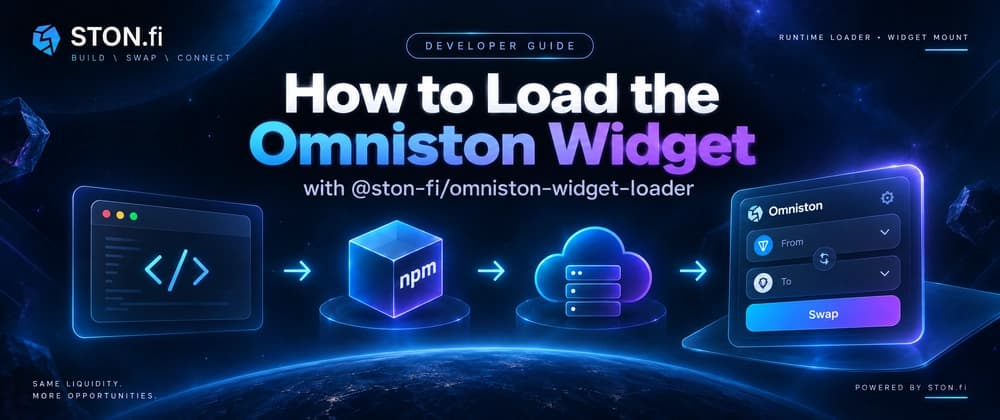
Use the npm loader to fetch the current Omniston Widget bundle at runtime, connect TON Connect, and mount a complete swap interface inside your application.
If you are building a modern JavaScript application, @ston-fi/omniston-widget-loader gives you programmatic control over when the Omniston Widget enters the page. You install a small npm package, call its load() method, receive the OmnistonWidget constructor, create an instance, and mount that instance into a DOM element.
The important detail is that the npm package is a loader, not a packaged copy of the complete widget. The actual widget remains CDN-hosted. That distribution model lets STON.fi deliver compatible updates inside a major version without requiring every integrator to reinstall the full widget package.
A normal npm integration usually installs the complete library into your project. Your package manager resolves a particular version, your bundler includes it in the application, and that exact copy stays there until you update the dependency.
The @ston-fi/omniston-widget-loader package gives your application the code needed to load the widget, while the widget itself is distributed through STON.fi's CDN. According to the official documentation, CDN paths are major-versioned. Within one major version, integrators can receive compatible fixes and improvements without changing the integration every time the widget receives an update.
npm manages the loader inside your application. The loader fetches the widget bundle when your code requests it. The widget constructor is returned to your code after loading succeeds. Your application decides when and where to mount it.
This is particularly useful in React, Vue, Svelte, Angular, and other bundled applications where a developer may not want a global tag running immediately when the page loads.
It also means you should not assume that installing @ston-fi/omniston-widget-loader places the complete Omniston Widget inside your JavaScript bundle. The runtime loading step is part of the architecture.
The package exposes a loader with a load() function. When the promise resolves, you receive the constructor that you use to create the widget instance.
load() obtains the widget constructor. new OmnistonWidget(...) creates your configured widget instance. mount(...) finally attaches that instance to a real element on the page.
The widget also brings its own styles, so the official guide does not require a separate CSS package import.
That separation matters when you integrate it into an application lifecycle. You can wait until a component exists, lazy-load the widget only where swaps are needed, and clean up the mounted instance when the surrounding page changes.
There are four operations worth noticing here: Import the loader. Await OmnistonWidgetLoader.load(). Create the widget with its configuration. Mount it into an existing DOM node.
The container check is not cosmetic. mount() needs an element that actually exists, so your framework's rendering lifecycle matters. In a React component, for example, you normally wait until the component has mounted and the container ref is available.
You also need TON Connect configuration before the swap experience can connect to a wallet.
The Omniston Widget supports two TON Connect patterns: standalone and integrated. They solve different application problems.
| Mode | Wallet connection | Good fit | | ------------ | --------------------------------------------------------------- | ---------------------------------------------------------- | | standalone | The widget manages its own TON Connect setup from your manifest | A site where the widget is the main wallet-enabled feature | | integrated | The widget receives an existing TON Connect instance | A larger dApp that already manages wallet state |
You provide the TON Connect manifest and let the widget handle the connection flow it needs.