
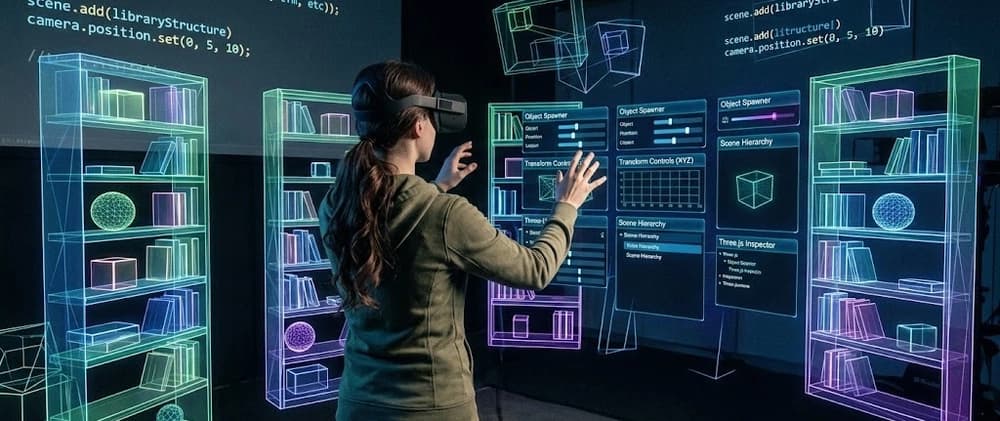
A lot of you wonderful people enjoyed my last post on Oni, so heres an update on what I've been working on.
I've been spending the last few days building the DEV Library inside Oniria, and somewhere along the way the project stopped feeling like "a cool Three.js scene" and started feeling like I was building my own tiny game-engine workflow.
Instead of opening DEV.to and scrolling through cards, you walk through rooms, browse shelves, pull out an article, read it, and return to the exact place you found it.
But actually constructing that space turned out to be one of the most interesting problems I've hit so far.
Earlier versions of Oniria leaned much harder into a cyber-world aesthetic: glowing structures, highways, towering architecture, and DEV articles scattered through something closer to a futuristic city. It looked interesting, but the more I built it, the more I realized the environment wasn't helping me understand the information inside it.
Articles were technically spatial, but the space itself didn't explain why anything was where it was. Eventually I started asking a simpler question: if thousands of articles were going to become physical objects, what kind of place would naturally organize them? The answer was obvious — a library. That shift changed the project from decorating a cyber-world with content into designing an actual information architecture: rooms became categories, shelves became collections, books became articles, and the building itself could communicate how DEV is organized.
That decision also created a completely different engineering problem. I was no longer placing a handful of futuristic landmarks; I was trying to build an entire navigable library — rooms, shelves, paths, furniture, signs, lighting, and hundreds of precise spatial relationships — almost entirely through Three.js code, without a traditional live level editor.
Before building the in-world authoring tools, most object placement happened directly in Three.js. All by code. No 3D Editor. Ha, take that, purist!
I wrote a small helper that clones one of the loaded GLB assets, then applies its world position, scale, and rotation:
That was basically my level editor. 😭 Below is an actual snippet of what I was working with:
And once the environment grew beyond a handful of props, it became painfully obvious that this wasn't going to scale.
With a normal interface, I can change some CSS, refresh the browser, and immediately see whether a card needs another 16px of margin.
might mean walking across an entire room just to discover that a table is clipping through a bookshelf.
I was placing: walls and architectural pieces real and decorative bookshelves tables and chairs rugs plants pavilions signs room entrances shelf rows collision boundaries lights eventually, empty spaces reserved for shelves that don't even exist yet
The obvious answer would have been to move the whole project into a traditional level editor.
But I didn't really want another application to become the source of truth for the library.
At this point I realized that moving assets this way would either take forever or it would never be perfect to my liking. There had to be an easier way — and then I had an idea. Why don't we make the location of each shelf predetermined by a layout I create? Essentially a blueprint — then have Codex place the individual assets at each coord/pin that I place. So that became my next goal.
If I'm standing somewhere in the world and think, "this object should go here," I should be able to record it here.