
Running large language models typically involves cloud API endpoints, paying per token, managing rate limits, and transmitting sensitive user queries across the network.
With Chrome's Built-in AI initiatives (via the WICG Prompt API and Gemini Nano), browsers can now execute small language models (SLMs) directly on the user's hardware. Inference happens entirely on-device: zero API keys to expose in frontend bundles, zero cloud infrastructure bills, zero network latency after weight loading, and complete client-side data privacy.
This article walks through the technical mechanics of integrating Chrome's Prompt API into a modern JavaScript/TypeScript application, including capability detection, session lifecycle, streaming token consumption, in-context grounding, and deterministic parameter tuning. The Prompt API Architecture
Chrome exposes on-device capabilities through the window.ai namespace (and globally as LanguageModel). Under the hood, Chromium interfaces with an optimized on-device foundation model (Gemini Nano) managed by the browser's Optimization Guide component.
The API contract consists of three primary phases: Availability Assessment: Probing whether hardware and browser flags support on-device execution. Session Creation & Model Download: Initializing a session with optional system instructions and monitoring download progress if weights are not yet cached. Execution & Token Streaming: Dispatching prompts via single-shot promises or asynchronous streams, followed by explicit resource teardown. Feature Detection and Availability Checking
Before invoking any inference methods, you must verify that the browser supports the API and determine whether model weights are already loaded or require downloading.
The status values dictate UI state: readily / available: Model weights exist in memory/disk cache; execution starts immediately. after-download / downloadable: Model execution is supported, but Chrome must fetch the weights (~1.5GB - 2.5GB). You should track and render download progress. no / unsupported: The host machine does not satisfy minimum hardware requirements (GPU/VRAM) or the browser flags are disabled. Session Initialization and Weight Download Monitoring
When calling create(), you can pass configuration options: systemPrompt: High-level persona and constraints. temperature: Sampling temperature (0.0 to 1.0). Lower values yield deterministic, factual output. topK: Number of highest-probability tokens considered. monitor: An event listener callback tracking download bytes. signal: An AbortSignal to cancel session instantiation. Grounding Small On-Device Models (In-Context Prompting)
Gemini Nano is a lightweight model (~3 billion parameters). Unlike cloud models with massive parameter counts (such as Gemini 1.5 Pro or GPT-4), on-device SLMs have narrower context windows and tend to suffer from attention attenuation if domain context is provided strictly as a detached system prompt.
If you pass domain knowledge solely in systemPrompt during create(), the model may drift or produce generic answers when the conversation advances.
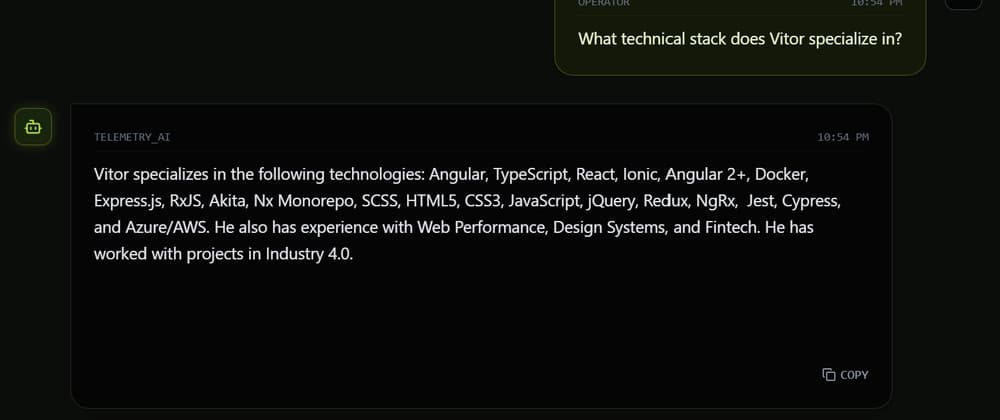
To achieve strict factual fidelity (e.g., answering questions exclusively from a structured career timeline or technical dataset), format the verified knowledge directly into the prompt envelope at query time:
For retrieval and Q&A tasks where hallucinations must be avoided: Set temperature: 0.1 or 0.0. Set topK: 1.
This forces the model to select the highest-confidence token at each step, preventing speculative drift. Streaming Token Consumption and Lifecycle Management
To avoid blocking UI rendering while generating output, consume the streaming interface (promptStreaming). Depending on the exact Chromium version and specification draft, promptStreaming returns an AsyncIterable or a ReadableStream.
Here is a normalization handler that supports both paradigms and cleans up the session after execution:
Each active session retains model state and memory allocations in the browser process. Always invoke session.destroy() inside a finally block or when unmounting React components to prevent memory leaks: React Integration Pattern
In a React or Next.js SPA, wrap the session logic in custom hooks or state handlers. Below is an example pattern maintaining conversation state and abort signals: How to Enable the Prompt API in Chrome
Because the WICG Prompt API is rolling out across Chromium channels, testing locally requires enabling experimental flags: Open Google Chrome (version 128+ or Chrome Canary). Go to chrome://flags/#prompt-api-for-gemini-nano and set to Enabled. Go to chrome://flags/#optimization-guide-on-device-model and set to Enabled BypassPerfRequirement. Relaunch Chrome. Visit chrome://components and find Optimization Guide On Device Model. Click Check for update to ensure weights are fully fetched.