
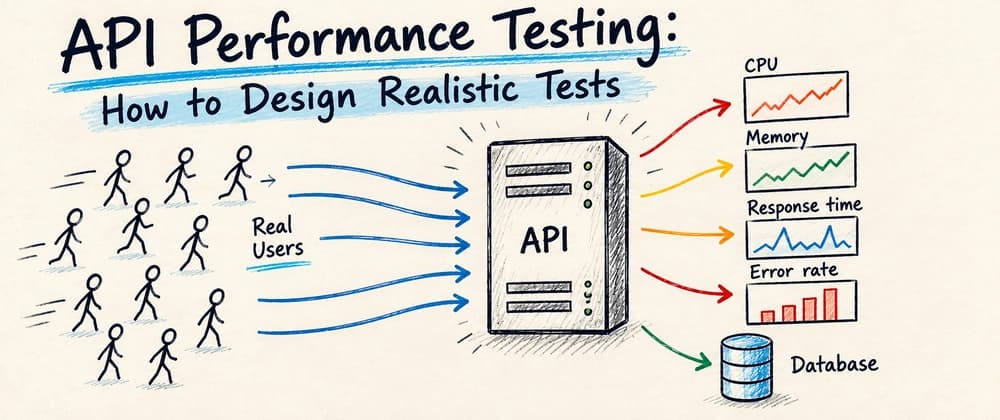
Most of us have heard the term performance testing, whether before releasing a big new feature, launching a new application or simply checking whether an application can handle a specific load.
Performance tests help us understand how our application behaves under load and whether it can handle the expected pressure. However, they need to be designed properly. Otherwise, the results can be misleading and lead us to the wrong conclusions.
Properly designed performance tests, on the other hand, can help us identify bottlenecks, understand the limits of our application and give us more confidence before a release.
In this article, we will first look at the basic concepts and different types of performance tests. Then we will move to the more practical part: how to design realistic test scenarios, how to determine the load our application should handle, how to deal with external services and how closely our test environment should match production.
The goal is not just to generate a large number of requests, but to create performance tests that actually tell us something useful about how our application will behave in the real world.
Table of Contents Basic Definition Types of Tests How to Properly Design Performance Tests Defining the Expected Load Performance Testing and External Services Environment Configuration Metrics and Results Summary
So, let's start with the basic definition and different types of performance tests.
We can summarize performance testing as a non-functional software testing method that evaluates an application's speed, stability, scalability and responsiveness under a specific workload.
To simplify it, let's use an API as an example. We prepare tests that call the endpoints we want to test under load, usually in a specific order that represents how the application is actually used. The main idea behind performance testing is to avoid releasing an application that is not prepared for the expected load.
Poor performance can lead to production outages, slow response times, or situations where the application is unable to process a job within the required time. All of these problems can eventually lead to lost customers, lost revenue, or damage to the product's reputation.
We can divide performance tests into different types depending on their configuration, purpose, and the metrics we want to observe.
Load tests verify how the application behaves under an expected or normal level of traffic. The goal is usually to confirm that the system can handle the required number of users or requests while keeping acceptable response times, error rates, and resource usage.
Stress tests push the application beyond its expected limits to find out where it starts to degrade or fail. They help us identify the maximum capacity of the system and observe how it behaves when resources such as CPU, memory, database connections, or threads become exhausted.
Endurance (Soak) tests run the application under sustained load for a longer period of time. Their purpose is to uncover problems that may not appear during shorter tests, such as memory leaks, connection leaks, resource exhaustion, or performance degradation over time.
Spike (Peak) tests simulate a sudden and significant increase in traffic. They help us verify how the application reacts to rapid changes in load and whether it can recover once the traffic returns to normal.
Volume tests focus on how the application behaves when it needs to process or work with a large amount of data. For example, we may test how database queries, imports, exports, or batch operations behave when the data volume is much larger than usual.
Scalability tests verify how the application's performance changes when we increase the workload and add more resources. The goal is to understand whether the system can scale efficiently, for example by adding more application instances, CPU, memory, or database capacity.
You don't necessarily need to implement a completely different test for each type. In many cases, you can reuse the same performance test scenario and change its configuration depending on what you want to measure, for example, the number of concurrent users, duration, request rate or workload pattern. You then observe different metrics depending on the goal of the test.